Doppler effect simulation
Today and yesterday I made a mini video game demo where the central mechanic is the doppler effect. Try the game yourself here: https://michael-saunders.com/goodlistener/game.html
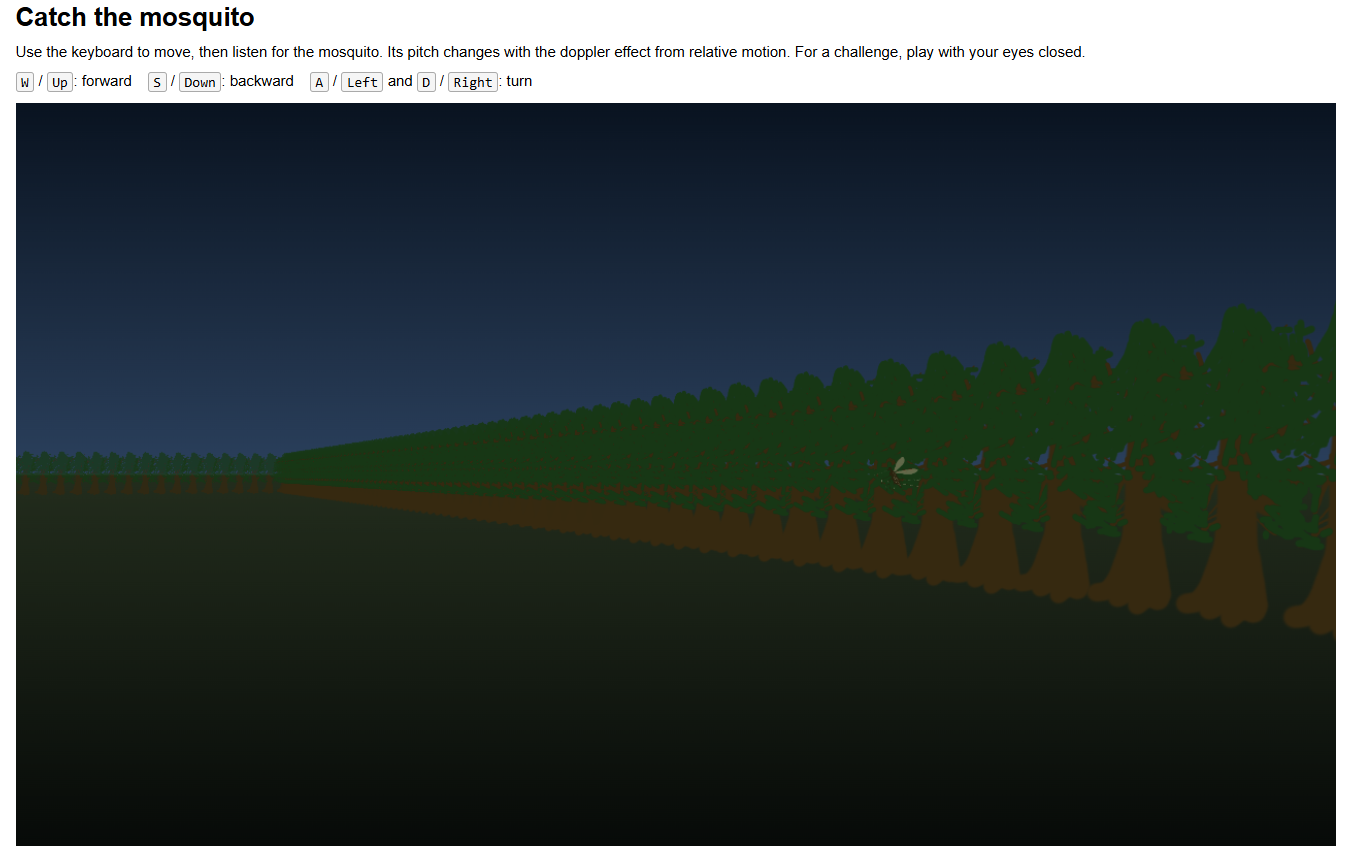
In the game you play the part of a bat trying to catch a mosquito. The mosquito itself makes noise at a constant pitch, but your relative speeds affect it: the faster you move towards the mosquito (or the faster the mosquito moves towards you), the higher the pitch. In this way, you should be able to catch the mosquito even if you play with your eyes closed.
The mosquito sound is synthesized directly with the Web Audio API, using a set of frequencies I created based on a live recording of a mosquito. I analyzed the waveform in Audacity.
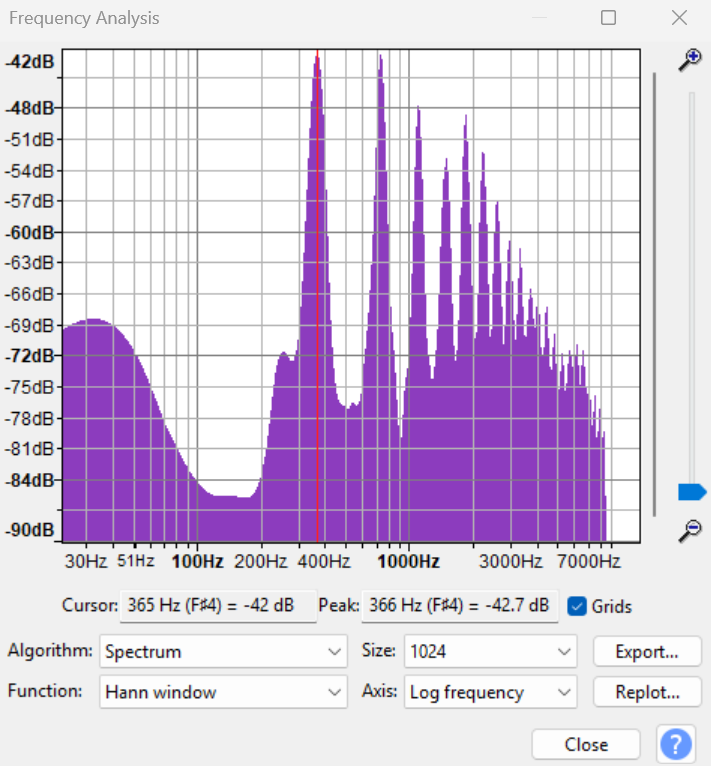
Then I created a synthesizer HTML/JS tool that lets you manage oscillators individually, so I could try to recreate the sound synthetically with the right frequency distribution. You can check out the tool and create your own sounds at https://michael-saunders.com/goodlistener/index.html.
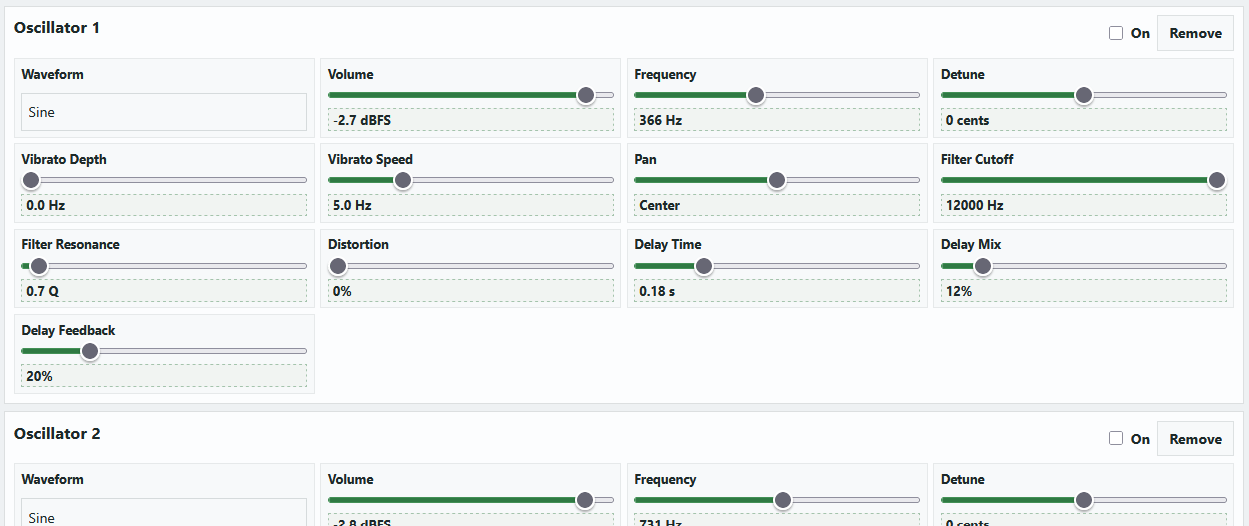
You can listen and play with my mosquito synth configuration here (just start the audio and then turn on the oscillator checkboxes one by one).
I used Codex for most of the coding, which is all HTML/JS. I drew the tree and mosquito sprites by hand.
Overall I'd score this project 6/10. The resulting game isn't particularly unique or interesting apart from the doppler effect mechanic. But the audio synthesizer tool might be fun or useful for people. And I learned a lot about what web browsers can do now with audio.
Comments
Leave a Comment