TapConductor interactive score player
TapConductor (install for free on iPad, Mac, or Windows) is an interactive score-playing app for musicians who need help playing piano because:
- The music is too hard to sight-read or has too many parts/voices/staves
- You didn't have enough time to practice
- The budget is too small for a real accompanist
- You need to conduct or do something else while playing
- You're disabled or lack fine motor coordination
- Leading a rehearsal, especially choirs learning unaccompanied or accompanied music
- Accompanying other musicians (or yourself while you sing)
- Playing a piece on piano before you've learned the notes, to experience the enjoyment of playing it before you know how
- Performing for an audience
- Recording MIDI for music production
- (Caution) Pretending you can play music that's actually too difficult for you
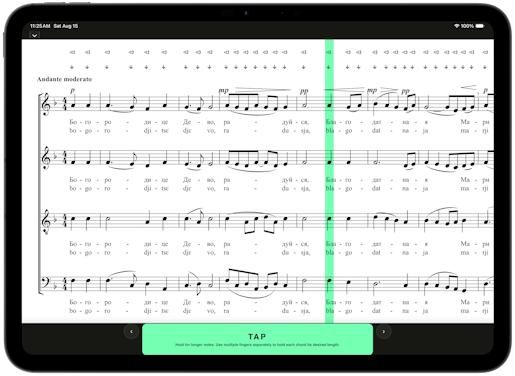
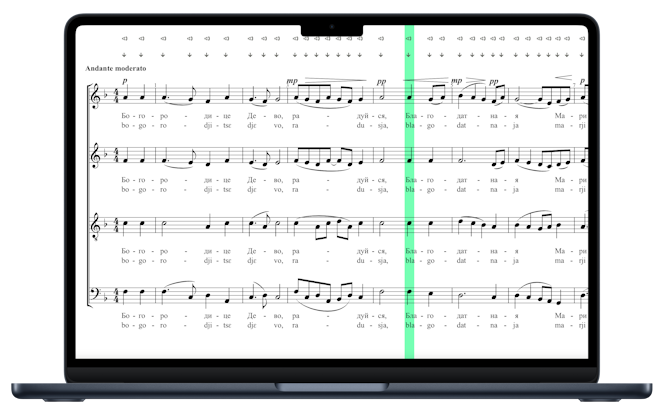

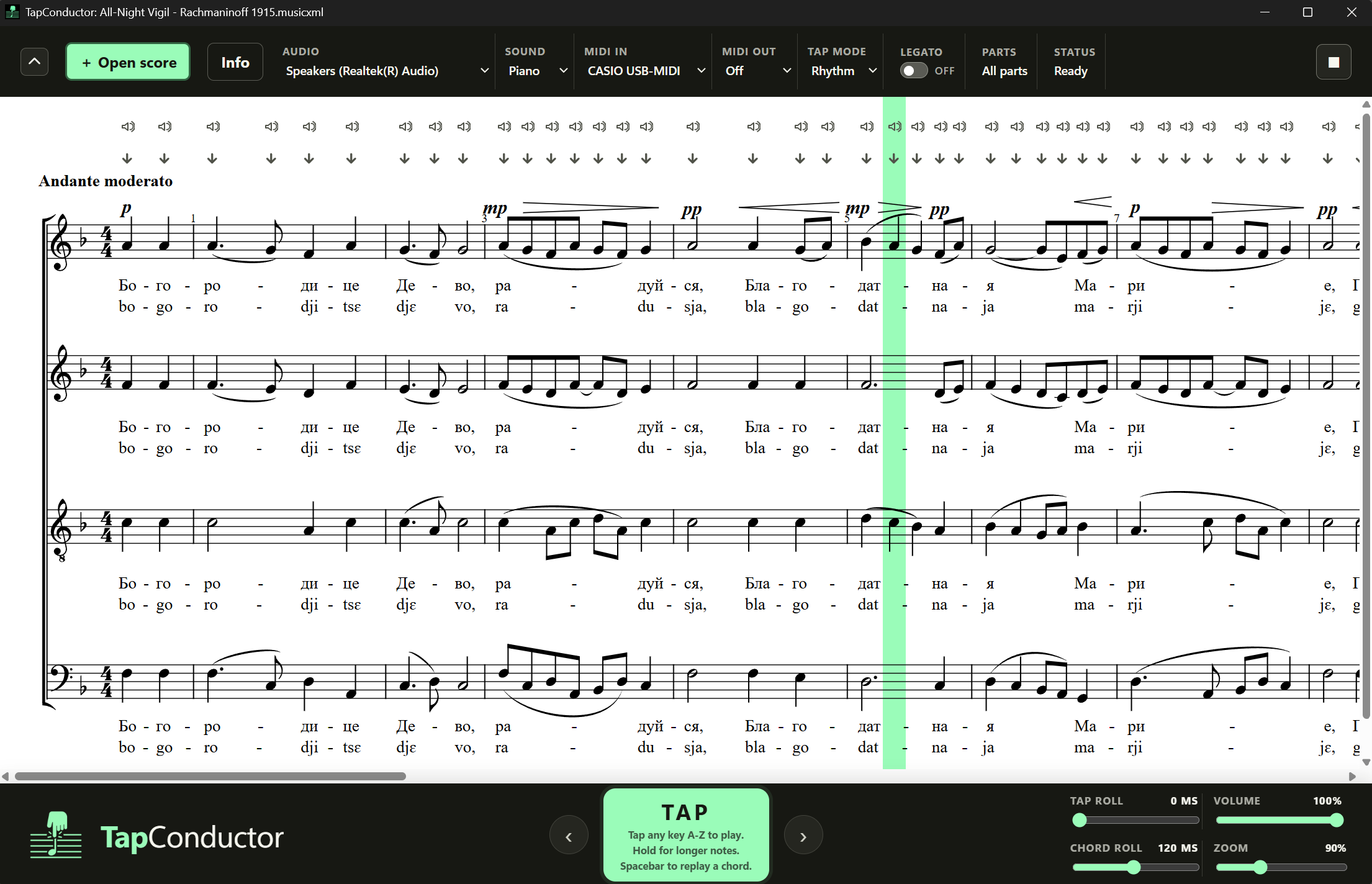
How it works
First you need to get a file that TapConductor can read, either MusicXML or MIDI. If you use notation software (like Sibelius or Musescore), you should be able to export the right kind of file. Or if you only have a PDF or paper music, you can use a conversion tool (I've been using Soundslice).
Every tap on the screen, keyboard, or piano plays the next note or chord. You can tap on the score at any time to play a specific note, or scroll and navigate to different measures.
If you want more info you can take a look at the Readme on GitHub.
History
A few weeks ago I had a singing party and my friend pointed out how rare it is for a conductor to be able to sight-read an 8-part a cappella score to teach singers. I looked around for a good tool, but couldn't find anything that lets you interact with the score and that's also fast enough to use in a live rehearsal situation.
Getting it onto the App Store for iPad was a huge pain with a ton of steps. I'm planning to put the Mac version on the App Store too, and the Windows version onto Microsoft's Store.
Project assessment
This tool was really fun to make and also satisfying and entertaining to use, especially with a connected piano for pieces I'd never be able to learn myself. Though it would be so much better if notation software had better/faster scanning technology to make the files more easily - maybe we'll get there soon. And I'm looking forward to trying it with a bigger choir at some point. Overall I'd rate the project an 8/10.
Hopefully someone else will find it useful apart from just me - if you do end up trying it, please send me a note to tell me what you thought! tapconductor@outlook.com
Comments
Leave a Comment